MMP LINKS
Attending class? Join through the Chrome browser.
Featured student presenting your music? Use the Sessionwire app with your DAW.
Chrome Browser
FOR NORMAL ATTENDING STUDENTS
1 - Click the OPEN SESSION button to open in your Chrome Browser (Safari will not work on a desktop)
(or copy this into Chrome https://studio.sessionwire.io/studio/eowyoung)
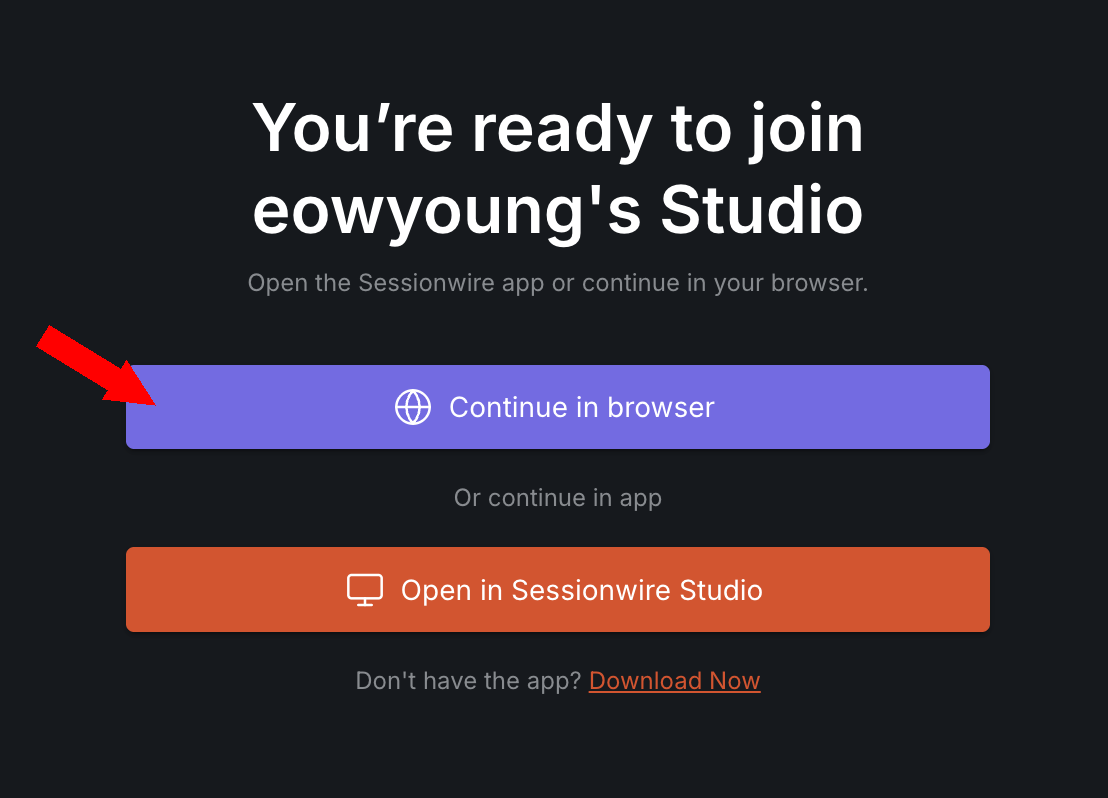
2 - When prompted click Continue in browser
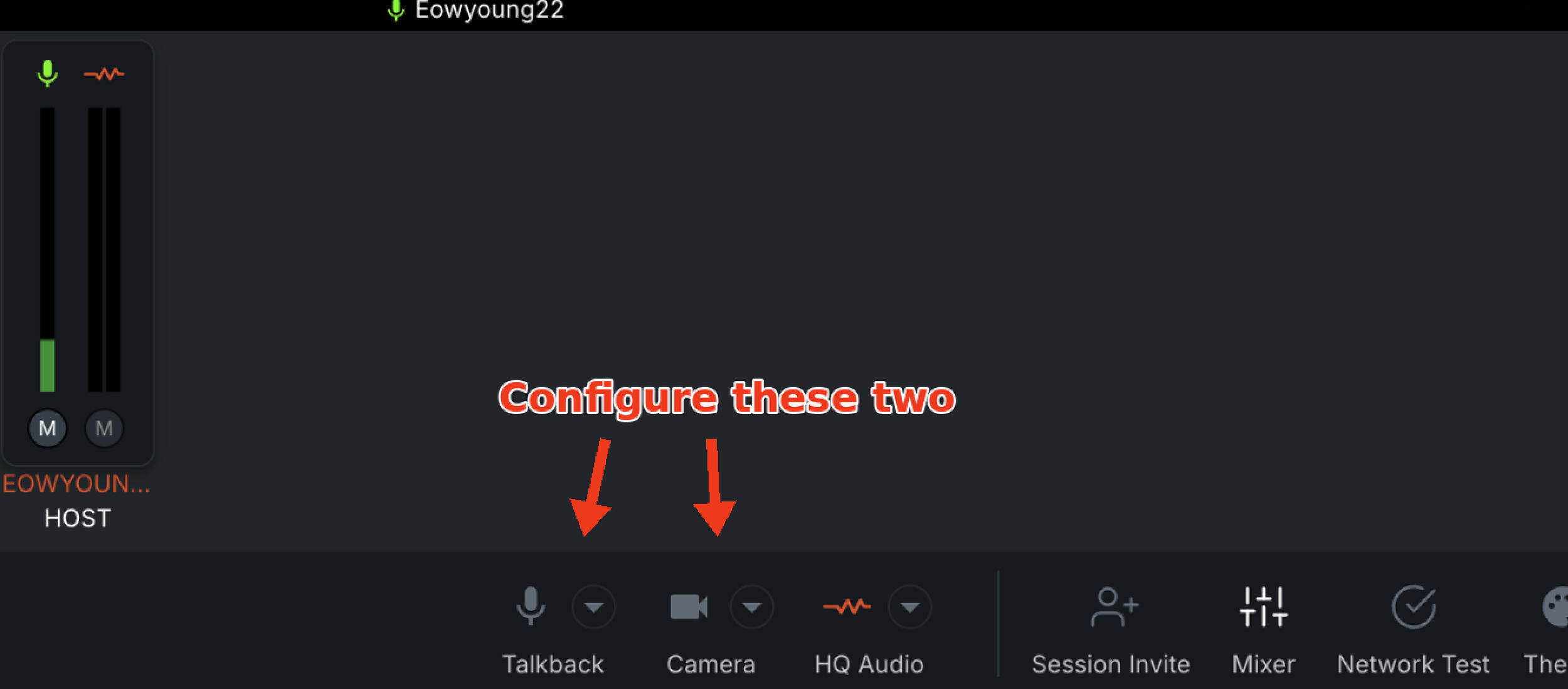
3 - Configure your talkback and camera (the audio will come out of whatever your normal chrome audio is set to come out of)
Sessionwire App
FOR TODAY’S FEATURED STUDENTS
DOWNLOAD THE SOFTWARE
1 - First, go to the Sessionwire Downloads Page: https://www.sessionwire.com/download
2 - Download the Sessionwire Application
3 - Download the Sessionwire Audio Plugins
4 - Create a free Sessionwire username and password when prompted
5 - Open your DAW (you may need to reboot your DAW if plugins were installed while it was open)
6 - On your Master Output Bus, insert the Sessionwire SEND plugin
TO JOIN CLASS
1 - Click the OPEN SESSION class link from this site
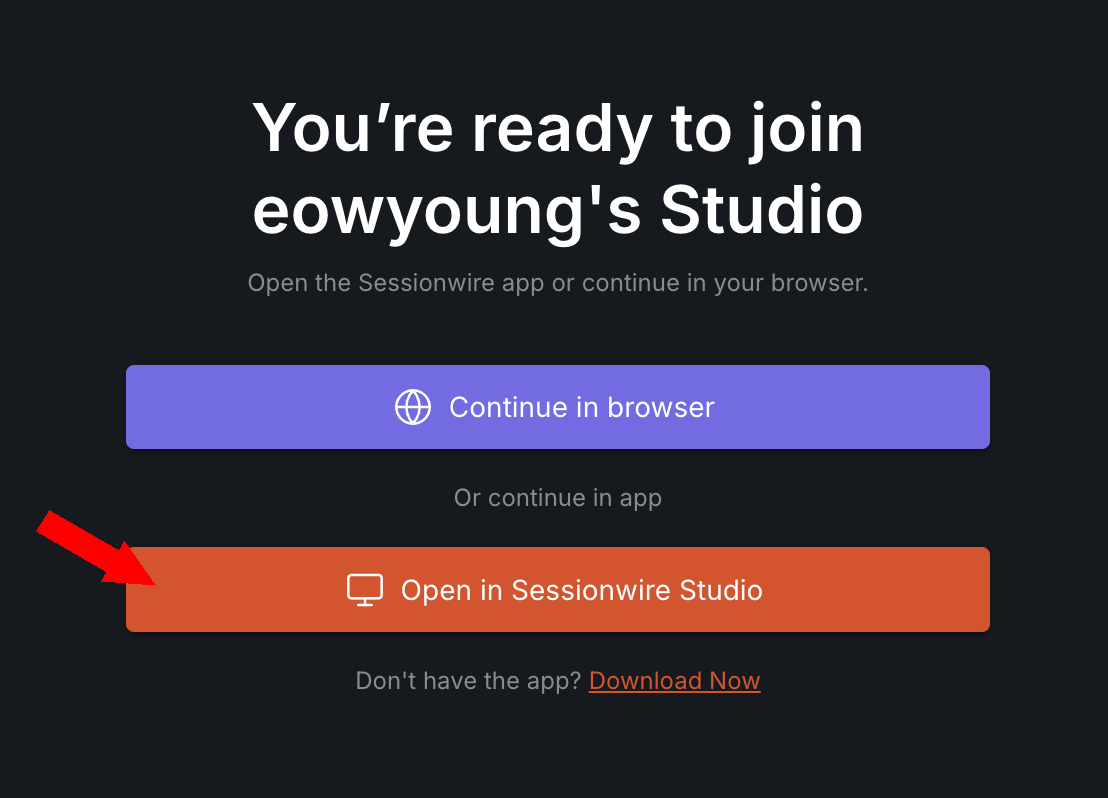
2 - When prompted select Open in Sessionwire Studio (Do NOT open in browser)
3 - Allow Screen Capture and Screen recording in System Preferences/Accessibility and System Preferences/Screen Recording
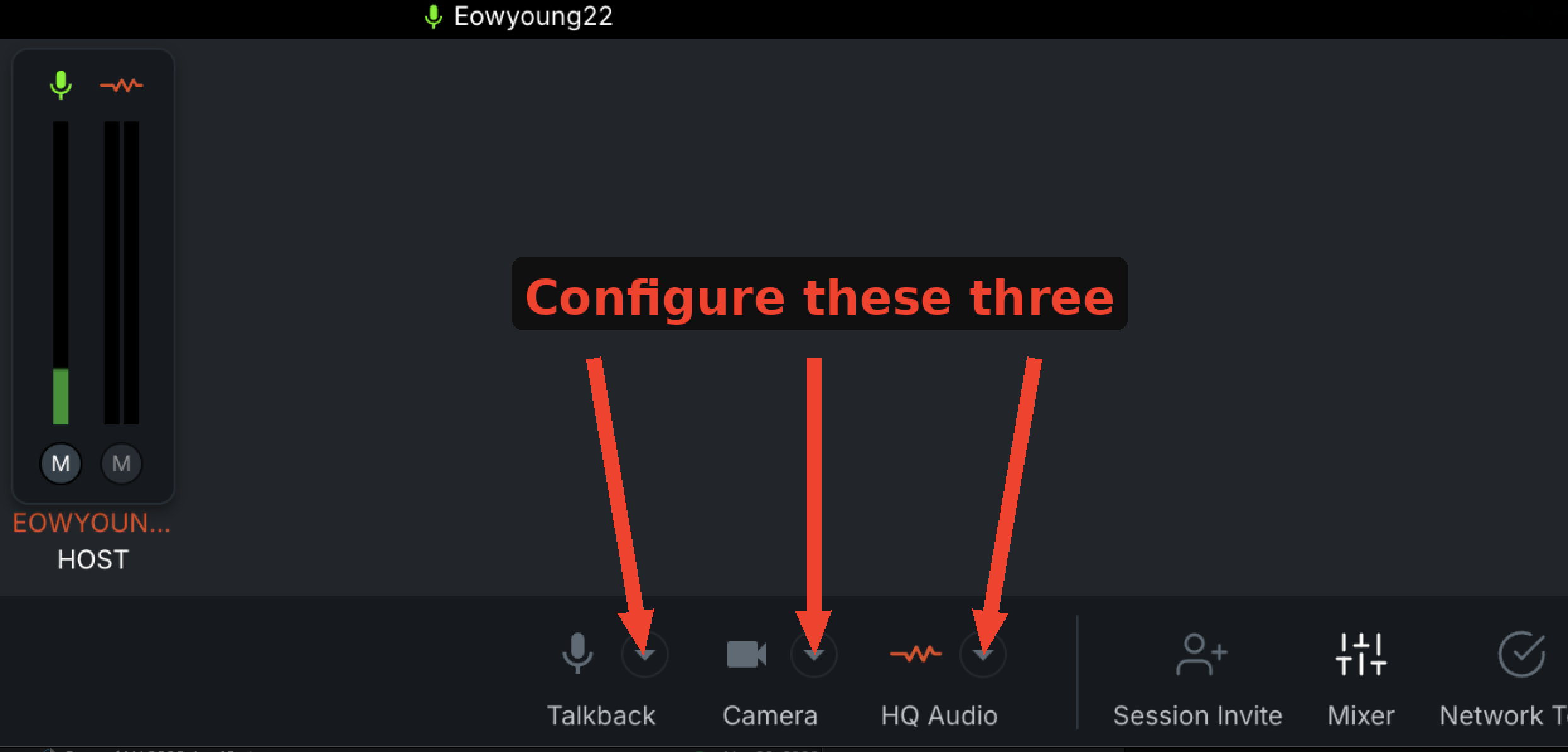
4 - Configure your talkback and camera as normal
5 - This time configure your HQ Audio. Select Sessionwire Plugin as your audio.
Upload Assignments
Listen to Current Class Demos
To stream from browser, you must be logged into a dropbox account. However, you can download the mp3s if you are not logged in.